
Vidaripay Wallet Documentation
Understand your wallet. Manage your money. Use Vidaripay with confidence.
The Vidaripay Wallet is the part of Vidaripay that allows eligible users to manage supported balances and use available payment and financial services from one place.
This page explains how the Vidaripay Wallet works, what you can do with it, and how different wallet features work together.
For the legal terms, conditions, responsibilities, and restrictions that apply to your use of the wallet, please see the Vidaripay Terms of Service.
Overview
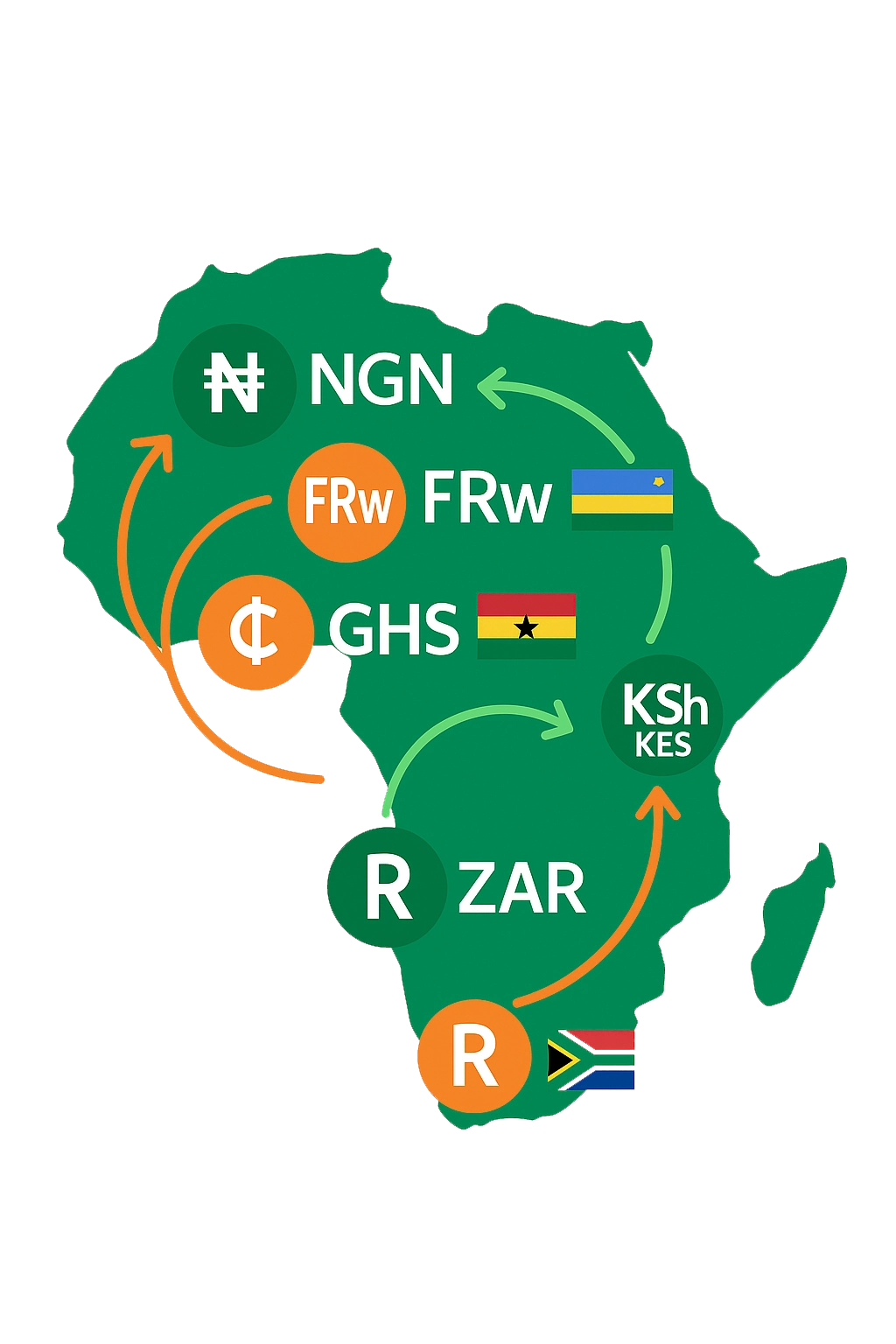
Your Vidaripay Wallet is designed to give you one place to manage your supported balances and access Vidaripay services.
Depending on your country, account status, available services, and supported currencies, your wallet may allow you to:
- Add money
- Hold supported currency balances
- Receive money
- Send money
- Convert between supported currencies
- Use your Key
- Use your VidaripayTag
- Access eligible virtual card services
- View your transaction history
- Access other services available within Vidaripay
The features available to you may differ depending on where you are located and which services are available to your account.
How the Vidaripay Wallet Works
Think of your wallet as your financial workspace inside Vidaripay. When money is added through an available funding method, the transaction is processed and verified before the corresponding balance becomes available.
A simple wallet flow looks like this:
When you receive money, the transaction is processed through the applicable payment route and, once confirmed, the corresponding amount is reflected in your wallet.
When you send money, Vidaripay processes the transaction using the available payment route and updates your wallet balance based on the transaction status.
Wallet vs. E-Vendor
The Vidaripay Wallet and E-Vendor Dashboard serve different purposes.
Vidaripay Wallet
The Wallet is designed primarily for users who want to manage and use their balances within Vidaripay. You can use your wallet to:
- Manage supported currency balances
- Add money
- Receive money
- Send money
- Convert currencies
- Use Key or VidaripayTag
- Access eligible virtual card services
- View your transaction activity
E-Vendor Dashboard
The E-Vendor Dashboard is designed for businesses, vendors, freelancers, service providers, and other eligible merchants who need to collect payments from customers. E-Vendor features may include:
- Payment links
- Customer payments
- Storefront
- API access for eligible vendors
- Invoices
- Insights
- Payment notifications
- Business withdrawals and settlements
- Chargeback and dispute management
- Global Transfers (subject to approval and availability)
In simple terms
Wallet = manage and use your money.
E-Vendor = collect and manage payments from your customers.
A user may have a Wallet without using E-Vendor, while a business using E-Vendor may also have access to wallet functionality where available.
Wallet Balances
Your wallet can display balances in the currencies supported for your account. Each balance represents the amount recorded for that currency within your Vidaripay account.
For example, if your wallet supports USD and RWF, you may see:
USD Balance
$100.00
RWF Balance
50,000 RWF
Balances can change when you:
- Add money
- Receive money
- Send money
- Convert currencies
- Make an eligible card transaction
- Receive a refund or reversal
- Complete another supported wallet transaction
A transaction may appear as pending while it is being processed or verified.
Adding Money
You can add money to your wallet using the funding methods made available to you in Vidaripay, such as PayPal for USD wallet funding. Depending on your country and account, available funding methods may include supported payment or financial services.
When you add money:
- You start a deposit.
- The payment is received through the available funding route.
- The transaction is checked and verified.
- Once confirmed, the corresponding balance becomes available in your wallet.
A deposit may remain pending until the payment has been properly confirmed. If a payment cannot be verified or does not match the expected transaction information, it may not be credited immediately.
Receiving Money
You may receive money through supported Vidaripay payment routes. Depending on the feature available to you, another user may send money using your:
- Key
- VidaripayTag
- Other supported receiving method
When a payment is received, Vidaripay processes and verifies the transaction before the corresponding balance is made available.
Where supported, Vidaripay may credit the recipient's wallet in the applicable currency.
Sending Money
You can send money to eligible recipients through the payment methods available in your account.
Before confirming a transaction, review:
- Recipient information
- Amount
- Currency
- Applicable fees
- Exchange rate, where applicable
Once confirmed, the transaction may be processed immediately or may take additional time depending on the payment route. Some transactions may be delayed or placed on hold while verification or processing is completed.
Key
Key is a simple payment identifier that lets you send and receive money through supported Key transactions.
Instead of sharing your account details, you can share your Key with someone who wants to send you money through a supported Key service.
Send via Key
Enter the recipient’s Key, confirm the recipient shown in Vidaripay, enter the amount, and complete the transaction
Where supported, the payment is credited to the recipient’s active wallet in the applicable currency.
Your Key is an important payment identifier. Only share it when you want to receive or send money through a supported Key service.
Pay with Key
Pay with Key allows you to pay an eligible E-Vendor using your Vidaripay Wallet.
When a vendor provides a payment link with the Pay with Key option enabled:
- Tap Pay with Key.
- Enter your Key number.
- Vidaripay identifies the payment destination.
- Your Vidaripay app opens for payment approval.
- Review the payment details and confirm that the vendor name matches the payment request.
- Enter your wallet passcode to approve the payment.
- The payment is processed and the transaction status is shown to you.
Your payment is only completed after you approve the transaction. The amount, currency, and any applicable fees are shown before you confirm the payment.
VidaripayTag
Your VidaripayTag is another way to identify a recipient within Vidaripay. A VidaripayTag can help users find the intended recipient before completing a transfer.
For example:
@vidari
When you enter a VidaripayTag, Vidaripay can identify the associated account before you confirm the transaction. Always check the recipient information displayed to you before sending money.
Currency Conversion
Where currency conversion is available, you can convert between supported currencies from your wallet.
For example:
USD → RWF
Before confirming a conversion, Vidaripay will show the applicable exchange rate and the amount you will receive.
The final amount may depend on the rate and any applicable fees shown before confirmation. Supported currencies and conversion availability may vary by country and account.
Virtual Cards
Eligible Vidaripay users may have access to virtual card services through Vidaripay's available card service. Your virtual card can be accessed and managed through the Vidaripay platform where the service is available.
The card may allow you to make supported online payments using your available card balance and within applicable limits.
Virtual card availability, eligibility, limits, and supported transactions may vary by country and account. For the rules governing virtual card use, see the Virtual Card section of the Vidaripay Terms of Service.
Transactions
Your wallet keeps a record of activity associated with your account. Depending on the transaction, you may see the following statuses:
The exact status and processing time may depend on the payment route or service involved.
Fees and Limits
Some wallet services may have applicable fees or transaction limits. Before completing a transaction, Vidaripay may show the applicable:
- Transaction fee
- Exchange rate
- Amount to be received
- Applicable limits
- Other relevant charges
Limits may apply to deposits, transfers, withdrawals, conversions, cards, or other services.
Your available limits may depend on your country, account verification, transaction type, service provider, and applicable requirements. For the legal conditions relating to fees and limits, see the Vidaripay Terms of Service.
Transaction Verification
Vidaripay uses transaction verification to help make sure wallet transactions are properly received and processed.
For incoming payments, this may include checking information such as:
- Transaction reference
- Payment status
- Source information
- Amount
- Currency
- Payment route
- Other information required to confirm the transaction
This helps ensure that a wallet balance is only credited when the corresponding payment has been properly received through an approved route. A transaction may remain pending until the required checks are completed.
Wallet Security
Your wallet is protected through security measures designed to help protect your account and transactions.
You should:
- Keep your password and security information private
- Never share verification codes
- Review transaction details before confirming
- Keep your device secure
- Report suspicious activity promptly
- Contact Vidaripay if you notice an unfamiliar transaction
Vidaripay may also use automated monitoring and other security measures to identify unusual or potentially unauthorized activity.
Wallet Availability
Not every wallet feature is available to every user. Availability may depend on:
- Your country
- Your account status
- Identity verification
- Supported currencies
- Available payment routes
- Service providers
- Regulatory requirements
- Product availability
Vidaripay may introduce new wallet features over time and may change the availability of existing services.
Common Wallet Questions
Why is my deposit not showing?
Your deposit may still be processing or undergoing verification. Check the transaction status in your wallet first. If the transaction remains unresolved, contact Vidaripay Support with the relevant transaction information.
Why is my balance different from the amount I deposited?
The final credited amount may be affected by currency conversion, applicable fees, transaction status, or other processing requirements.
Can I hold more than one currency?
If multiple currencies are supported for your account, you can maintain separate balances for those currencies within your wallet.
Can I send money to another Vidaripay user?
Yes, where the sending and receiving services are available. You may be able to use a Key, VidaripayTag, or another supported payment method.
Is the Wallet the same as E-Vendor?
No. The Wallet is primarily for managing and using your own supported balances. E-Vendor is designed for businesses and other eligible vendors to collect payments from customers.
Need Help?
If you have a question about your wallet, a transaction, a deposit, a transfer, or another Vidaripay service, contact:
help@vidaripay.comWhen contacting support about a transaction, include the relevant transaction reference where available. Do not send your password, verification code, PIN, or other confidential security information.
For the legal terms governing your use of Vidaripay, please review the Vidaripay Terms of Service.